
Android users deserve a good flight tracker app, too. That's one of the reasons we built Flights25.
As much as we like Flighty's design and how native it feels on iOS, we chose not to bind ourselves to one ecosystem. According to Flighty's Waitlist page, their team doesn't have plans for an Android version anytime soon.
But switching to Android doesn't mean you have to lose all of your flight history. Flights25 can read your Flighty export directly, so you pick up right where you left off.
In Flighty, you can export your flights as a CSV file. That file contains everything: your flight numbers, dates, routes, the specific aircraft you flew on, whether it was a leisure trip or business travel, your seat numbers, and other metadata you've saved over time. When you import that CSV into Flights25, all of that data transfers one-to-one.
That means your entire travel history, your stats, your memories from past trips, all come with you. And since Flights25 runs on both Android and iOS, you're no longer locked into one platform. You can switch phones whenever you want without worrying about losing access to years of flight data.
Since Flights25 works across both platforms, you can subscribe on one and use it on multiple devices.

Flighty lets you export all your flights as a CSV file. That file contains your flight numbers, routes, dates, aircraft, seat numbers, and more. Here's how to get it into Flights25.
Open Flighty on your iPhone and go to Settings > Account Data > Export Your Flights. Enter your email and Flighty will send you a .csv file with all your flight data.
Open Flights25 and go to Settings → Import Flights (under My Flights) → Select Flighty. Pick the CSV file you received by email. Your flights, stats, and history show up right away.
Already using MyFlightradar24, Jetlovers, or another tracker? Flights25 can import from those too.
See how Flights25 compares to Flighty for Android users
| Feature | Flights25 | Flighty |
|---|---|---|
| Android Support | ✓ | ✗ |
| Real-time Flight Tracking | ✓ | ✓ |
| Delay Notifications | ✓ | ✓ |
| Gate Change Alerts | ✓ | ✓ |
| Offline SMS Notification | ✓ | ✗ |
| Sync with friends | Coming soon | ✓ |
| Calendar Integration | ✓ | ✓ |
| Inbound Flight Tracking | ✓ | ✓ |
| Boarding Pass Scanner | ✓ | ✗ |
| Personal Travel Statistics | ✓ | ✓ |
| Cause of Delay | ✗ | ✓ |
| Price (Annual) | Lower | Higher |
| Cross-Platform Sync | ✓ | ✓ |
Everything you need to know about Flights25 as a Flighty alternative.
Yes, absolutely! Flights25 offers all the core features that make Flighty popular, including real-time tracking, delay notifications, and gate change alerts. What sets Flights25 apart is its native Android support, direct import from Flighty in seconds, offline SMS notifications, 3D globe visualization, and inbound aircraft tracking. If you're an Android user looking for Flighty's functionality, Flights25 is the easiest switch — import your flights and get started immediately.
Yes. Flights25 can read your Flighty export directly, so all your flights and stats come with you. If you switched from iOS to Android, this means you don't lose your Flighty history. We also support imports from MyFlightradar24, Jetlovers, and other sources like calendar entries and booking emails.
The pricing for Flights25 premium is slightly lower than Flighty's pro version. On top of that, you can use your Flights25 Premium subscription on both Android & iOS at the same time.
Yes! While this page focuses on Flights25 as a Flighty alternative for Android, Flights25 is available on both Android and iOS platforms. Your flights sync seamlessly across all your devices, so you can track your trips whether you're using an Android phone, iPhone, iPad, or any combination of devices. This cross-platform support is one of the advantages Flights25 offers over Flighty, which is primarily iOS-focused.
Flights25 offers several features that Flighty doesn't, including:
Yes! Flights25 offers a free tier with basic flight tracking features, so you can try the app and see if it meets your needs. For unlimited flights, SMS alerts, calendar sync, inbound flight tracking, and other advanced features, we offer premium plans. This gives you the flexibility to start free and upgrade when you need more functionality.
No, Flighty does not currently have an Android version. According to their Android waitlist page, Flighty has no plans to create an Android version anytime soon. This is one of the main reasons why Flights25 was created - to provide Android users with a comprehensive flight tracking solution that offers all the features Flighty provides on iOS, and more!
Everything you need for stress-free flight tracking
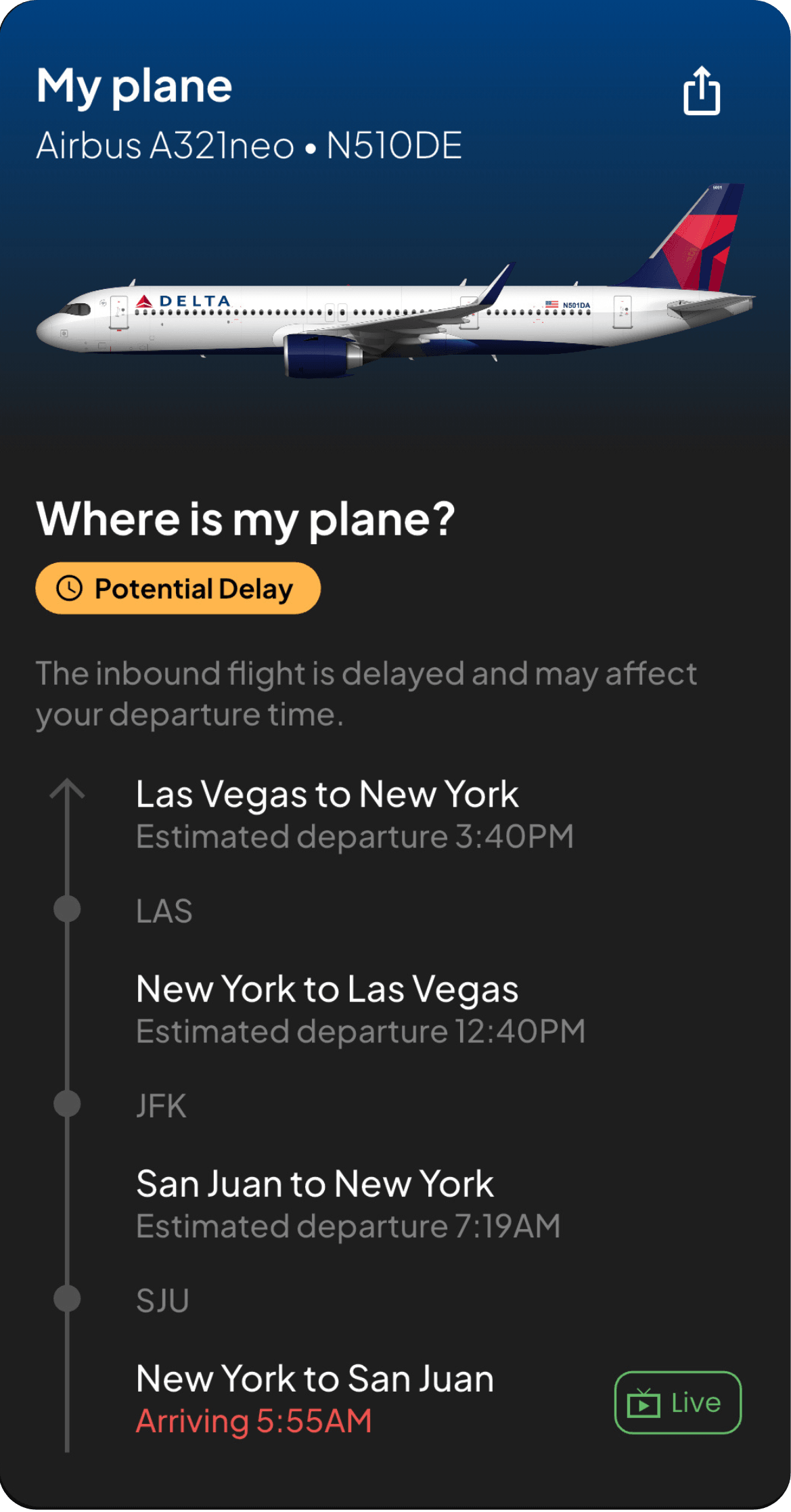
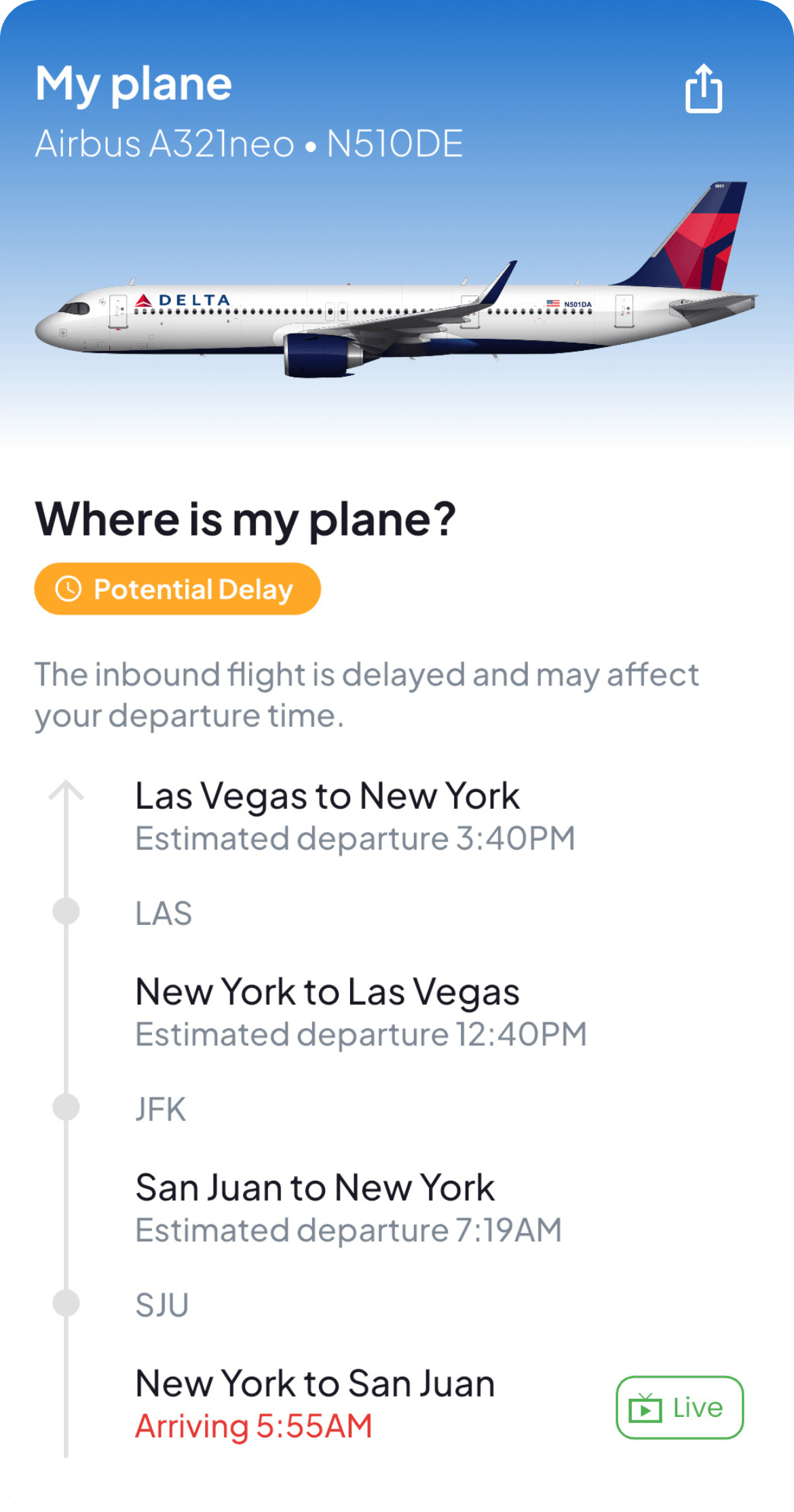
Monitor your incoming flight's aircraft before it even arrives. Get exclusive information that helps you stay ahead of delays.
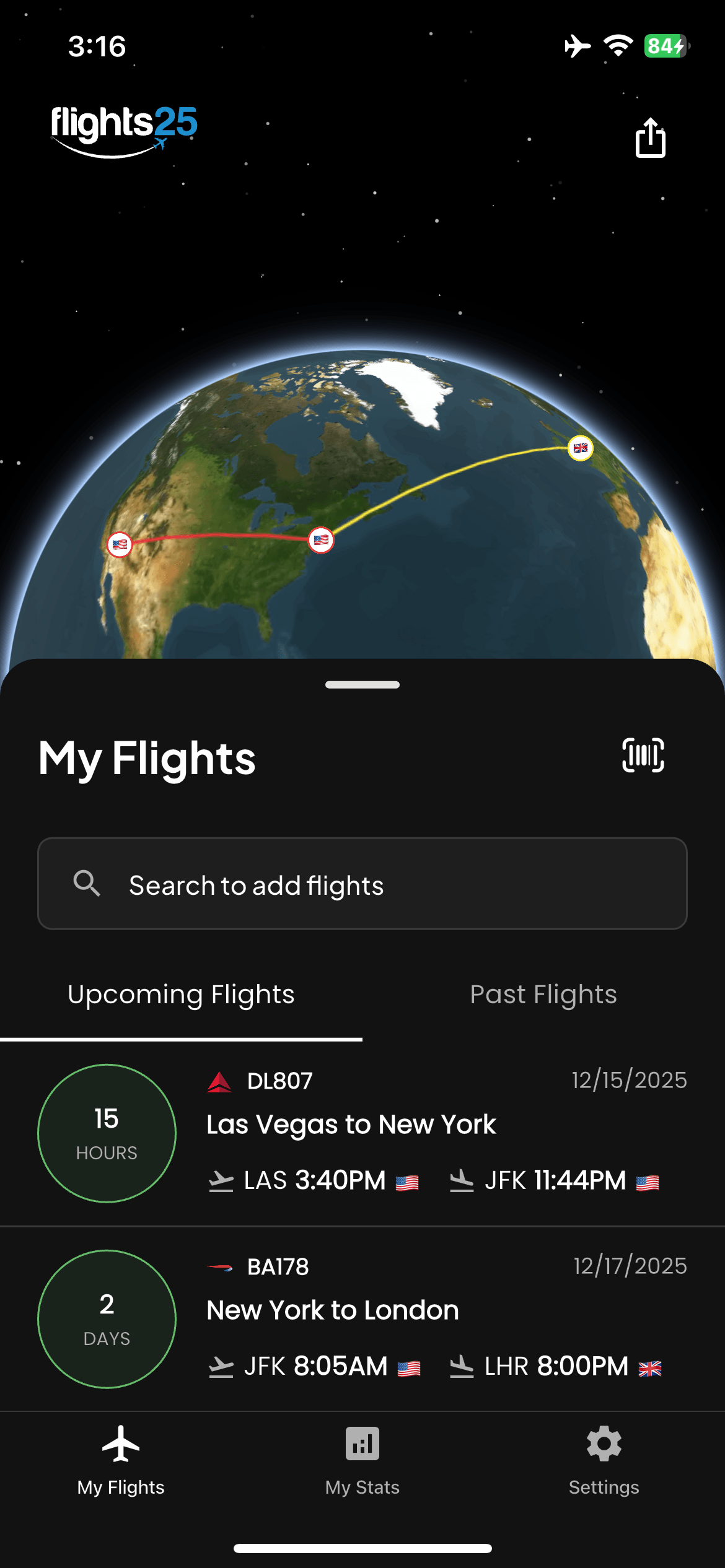
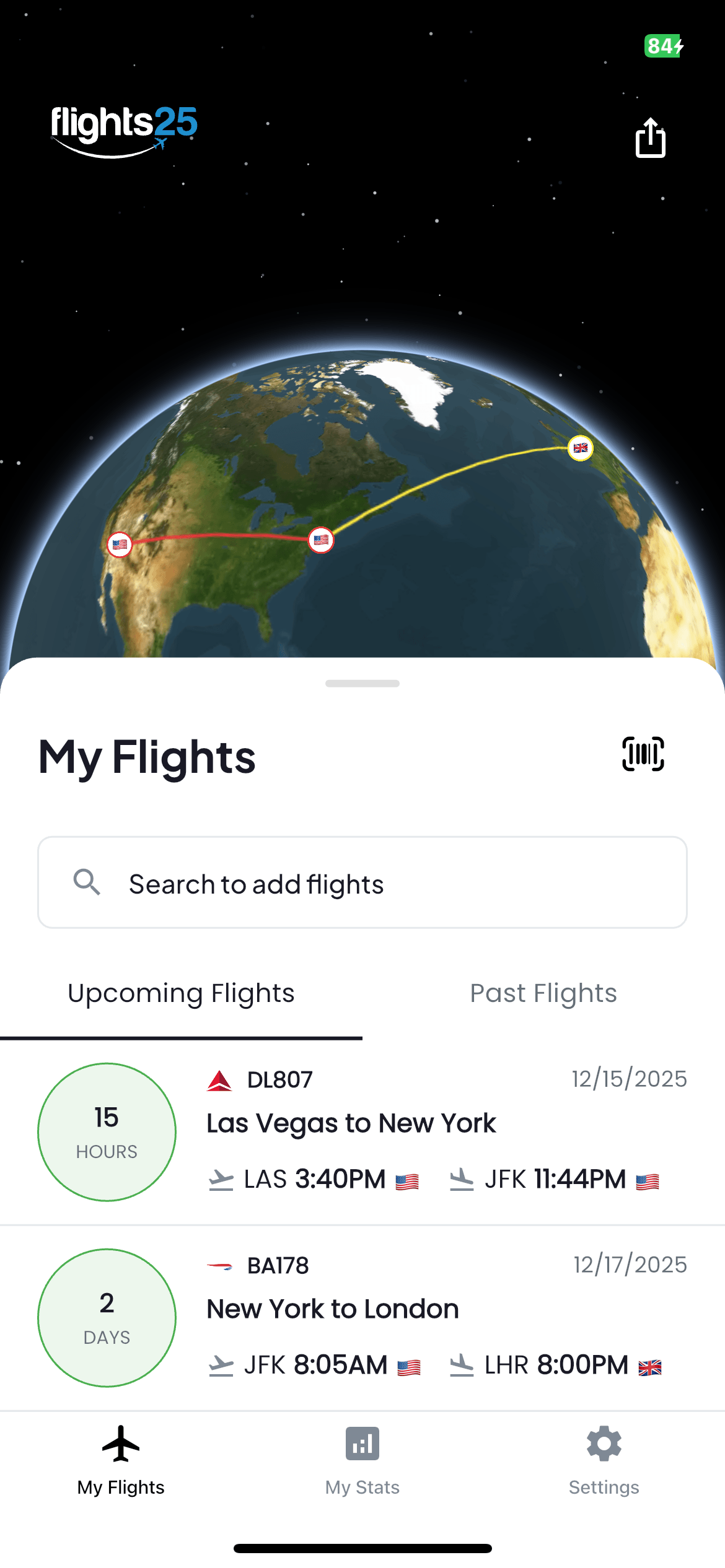
Past, present, and upcoming flights—organized automatically and synced across all your devices. Never search through your email inbox for a confirmation number again.
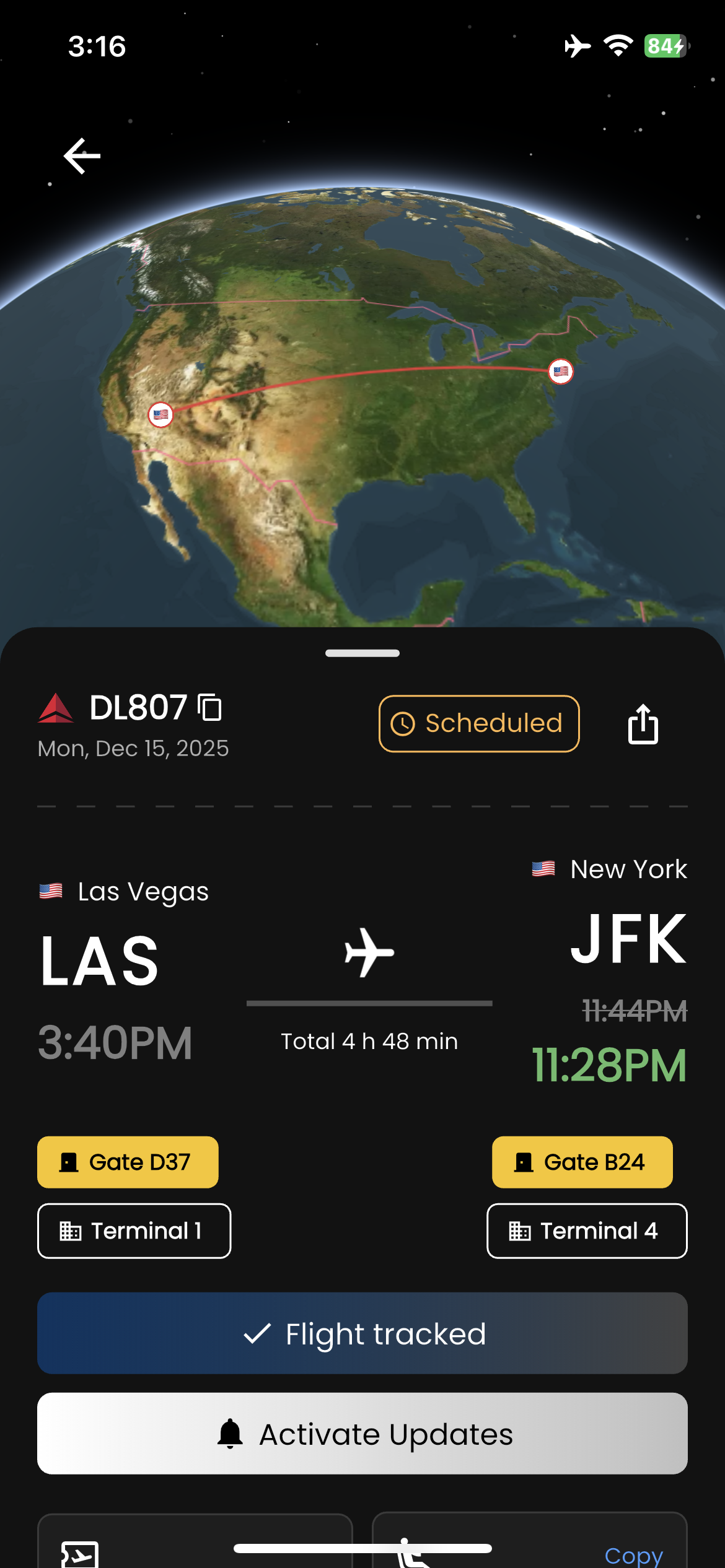
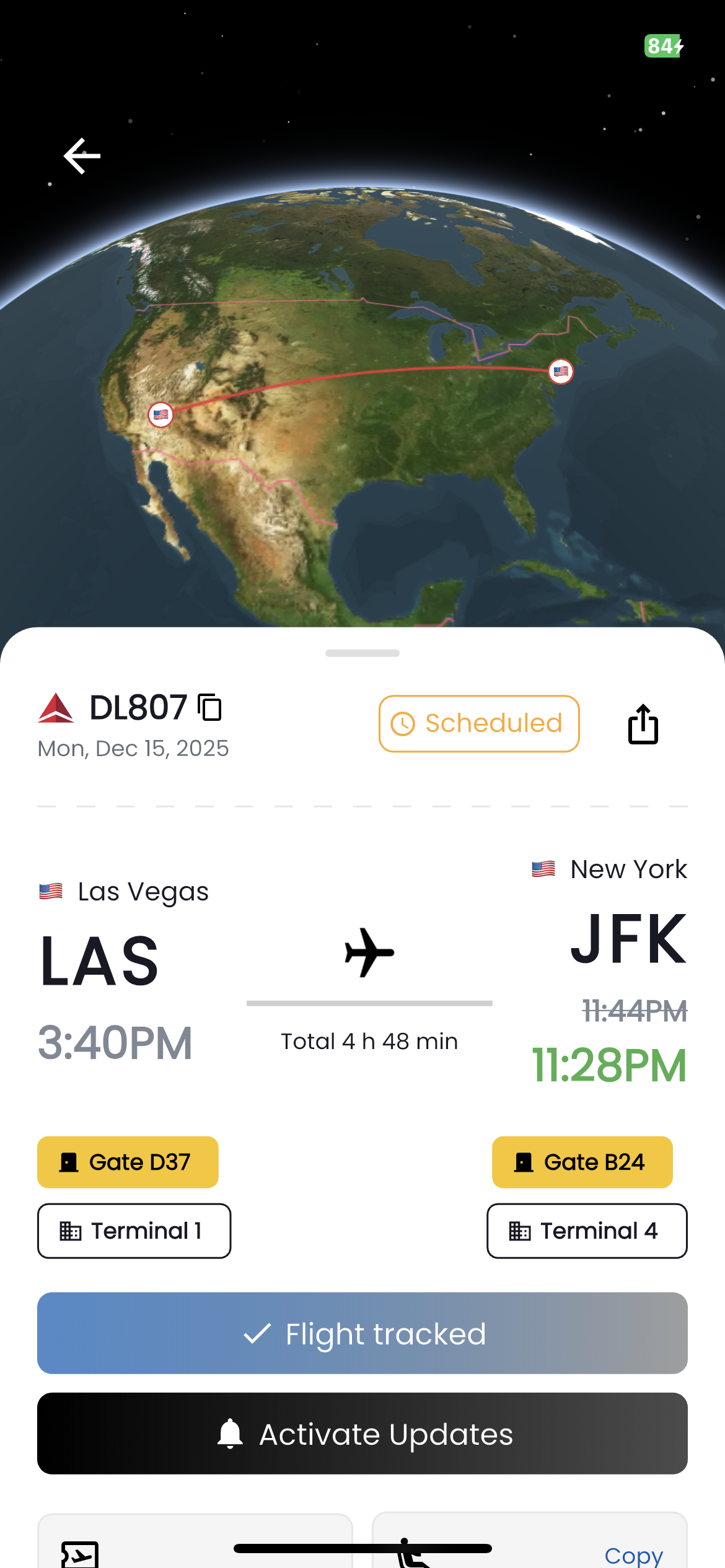
Get instant notifications for gate changes, delays, and schedule updates—often before the airline tells you.
Download Flights25 today and experience a first-class flight tracker app for Android